Original: $17,094.99
-65%$17,094.99
$5,983.25The Story
X3 SIG12 Golf Simulator
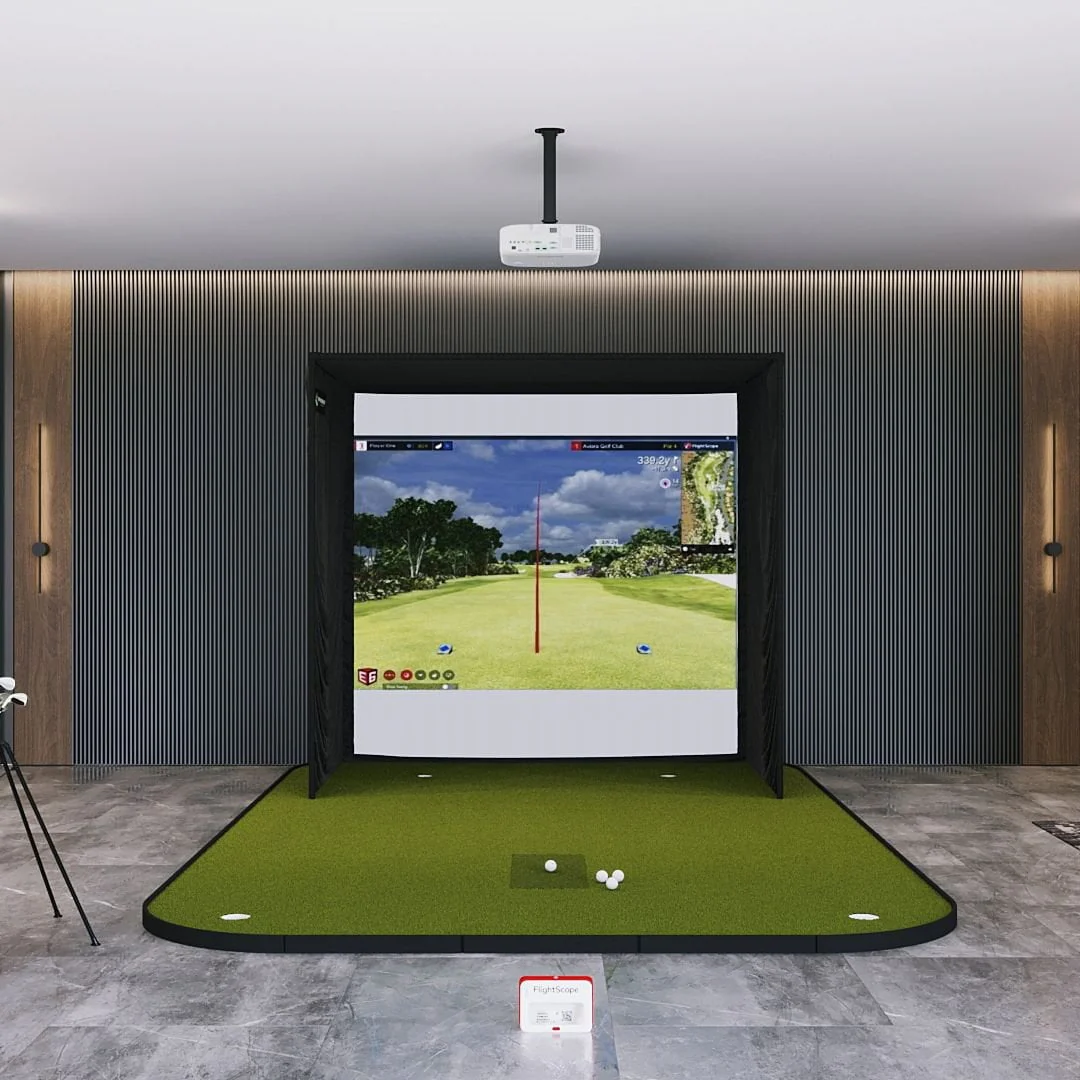
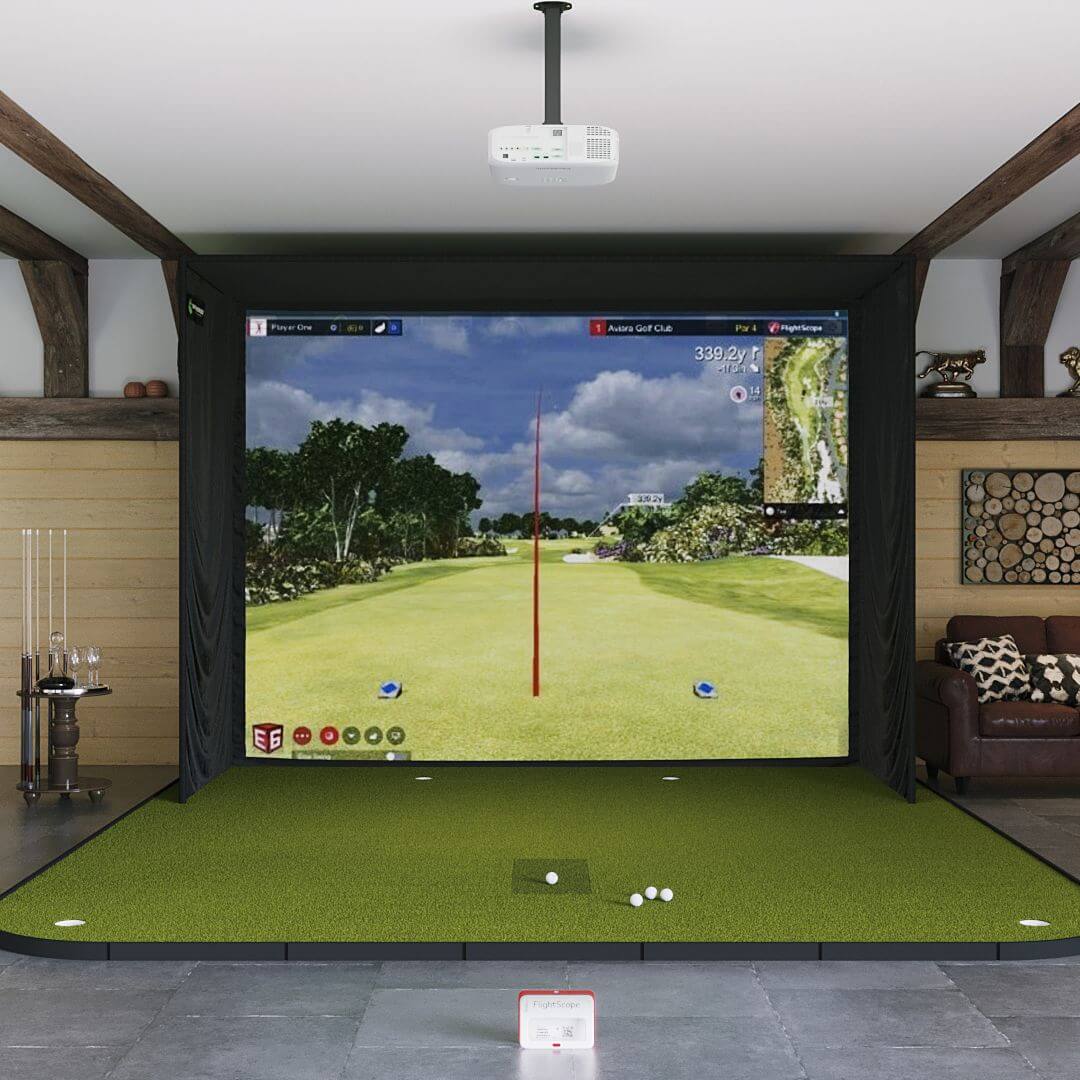
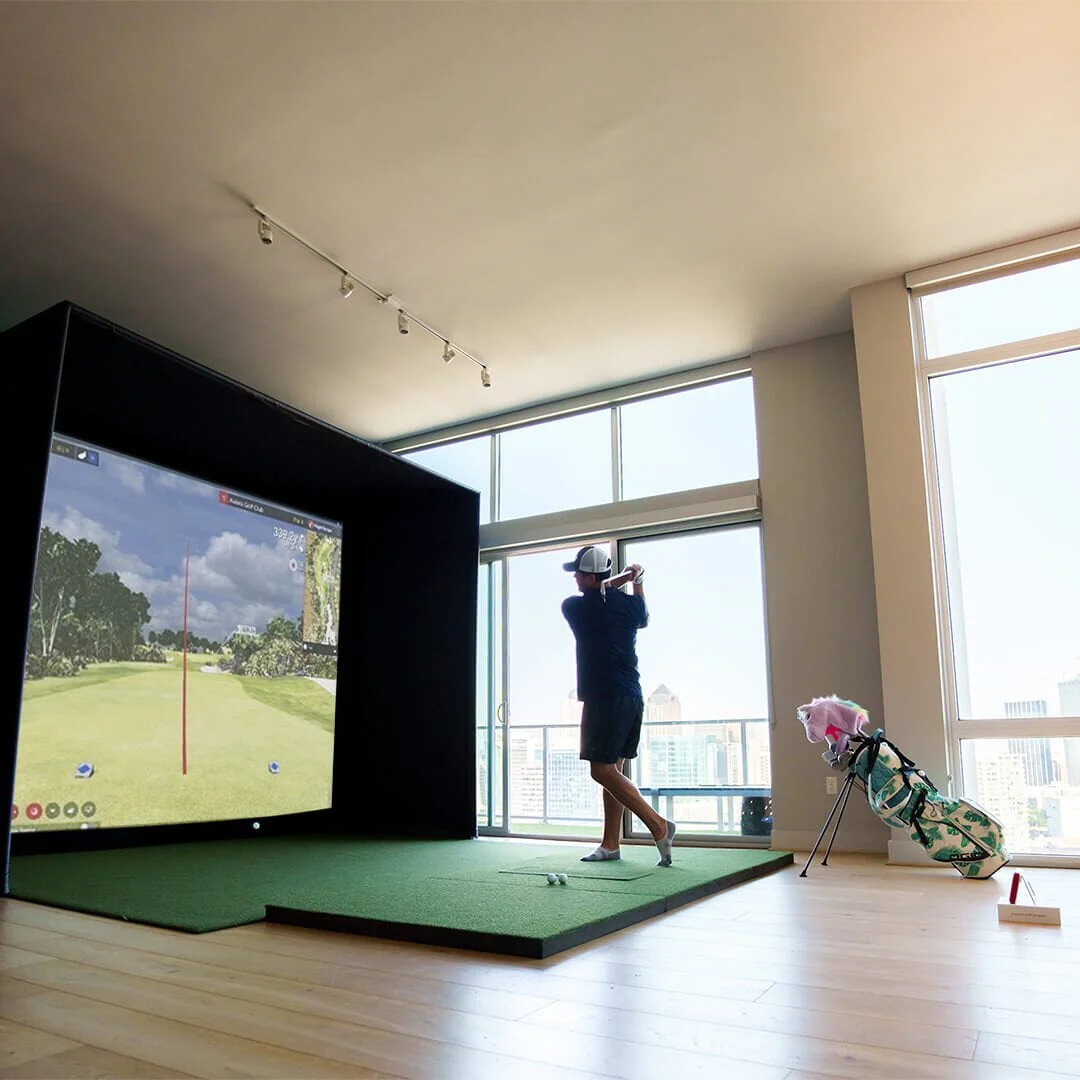
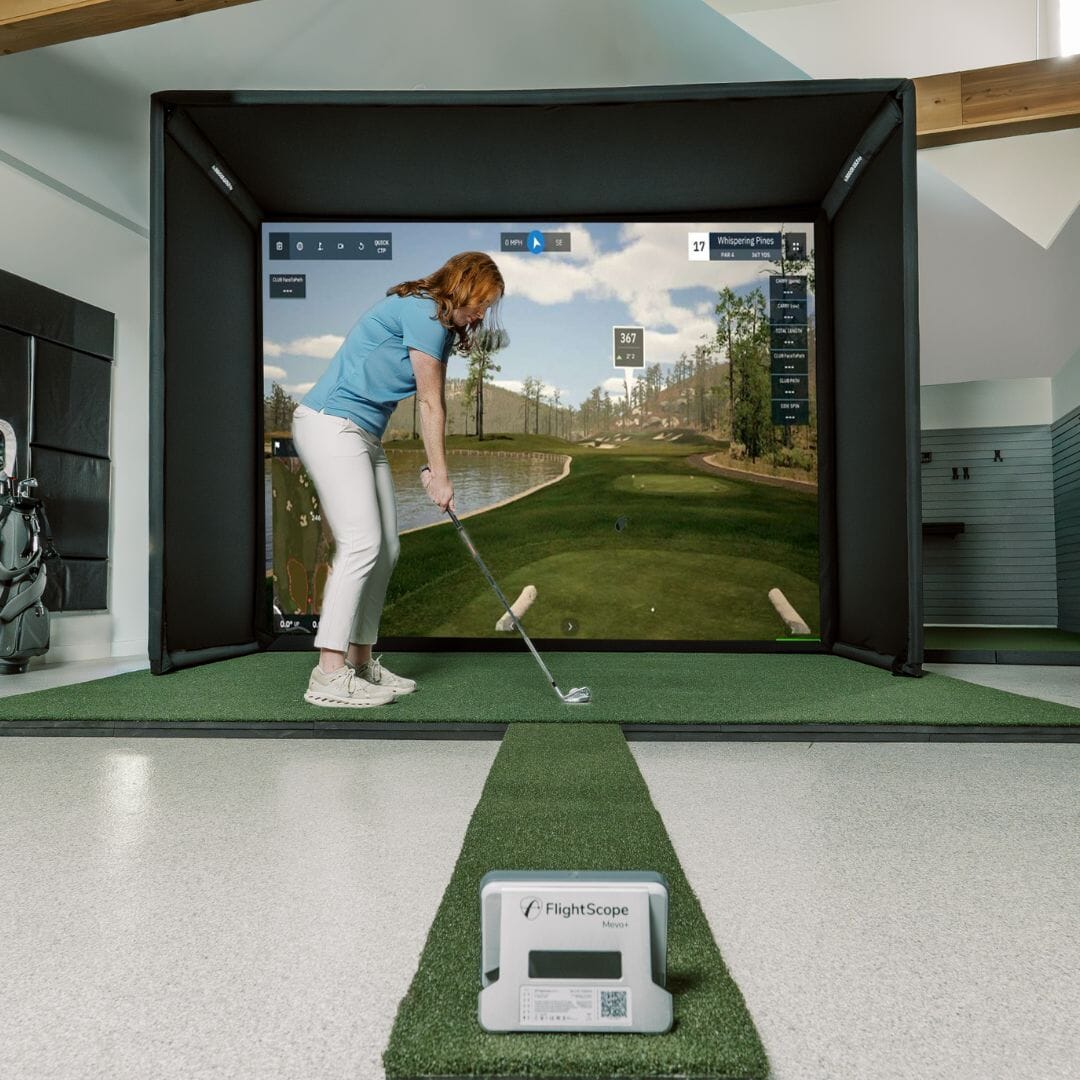
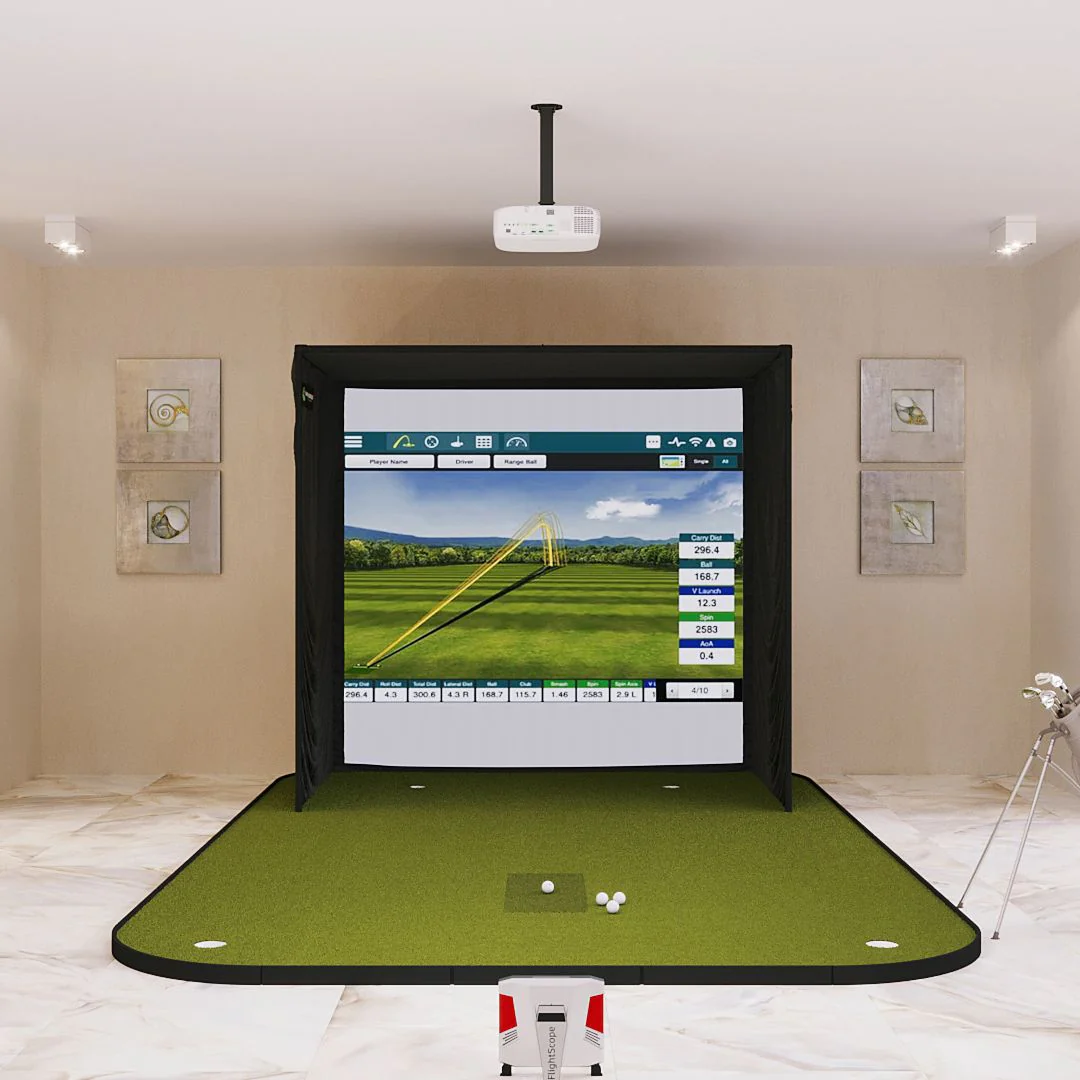
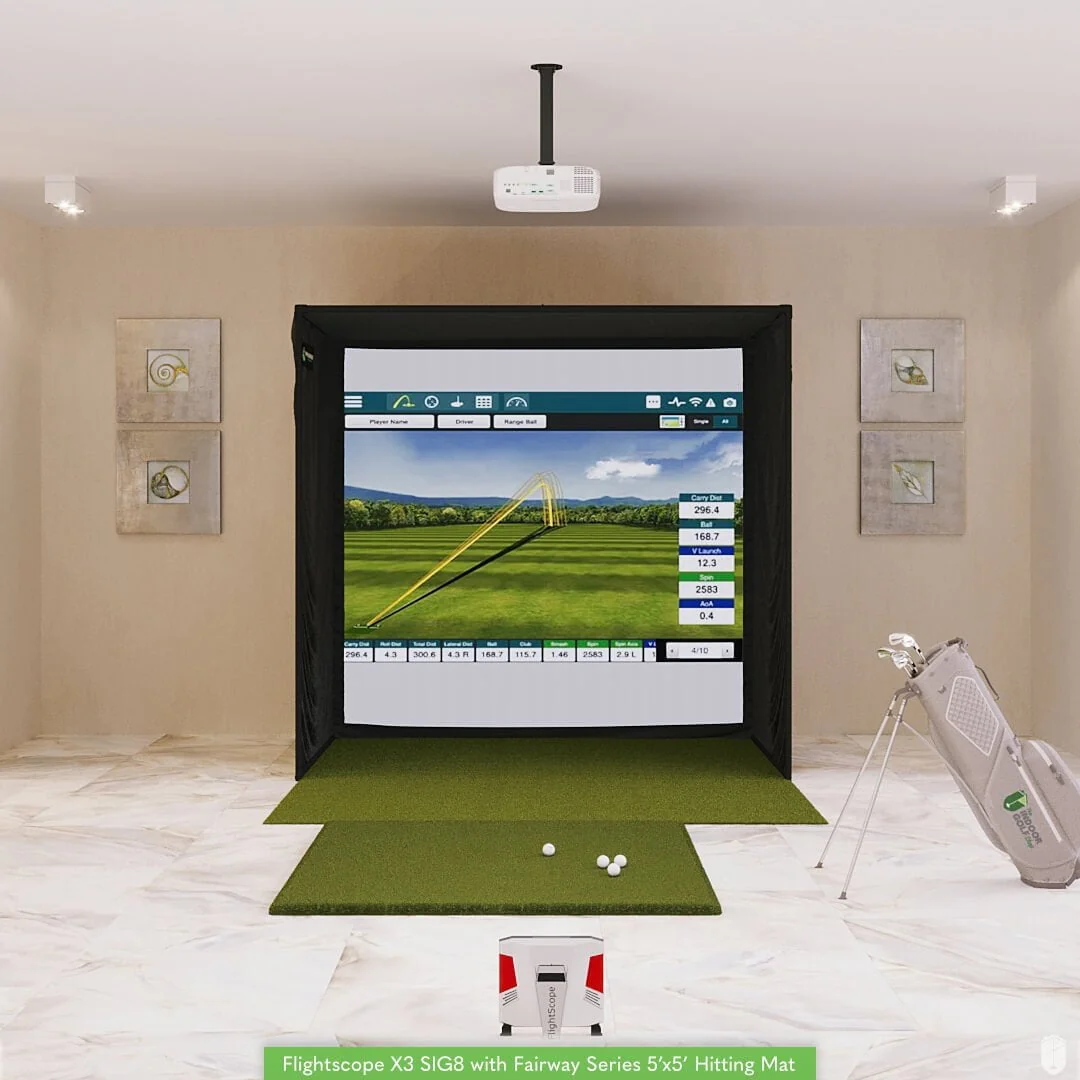
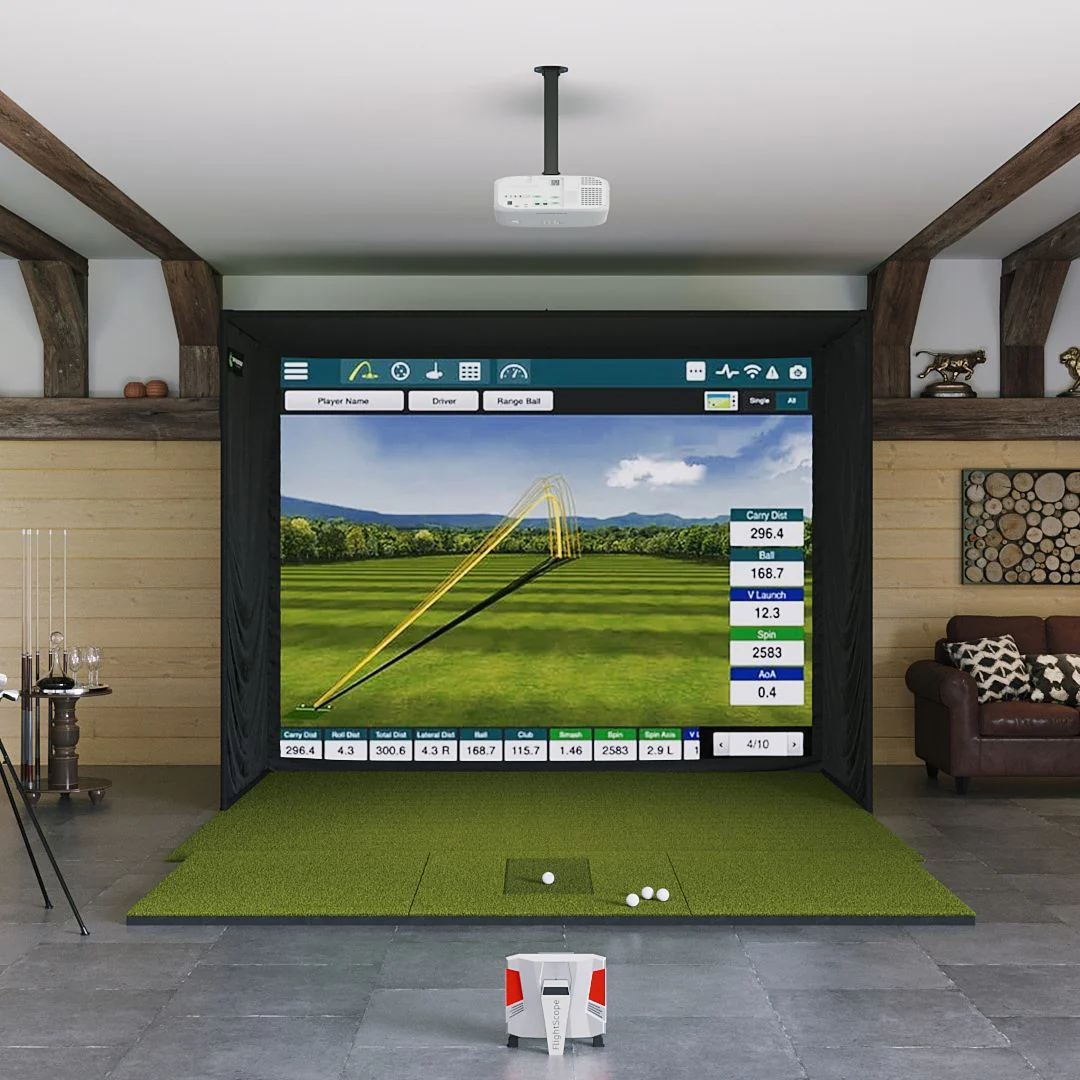
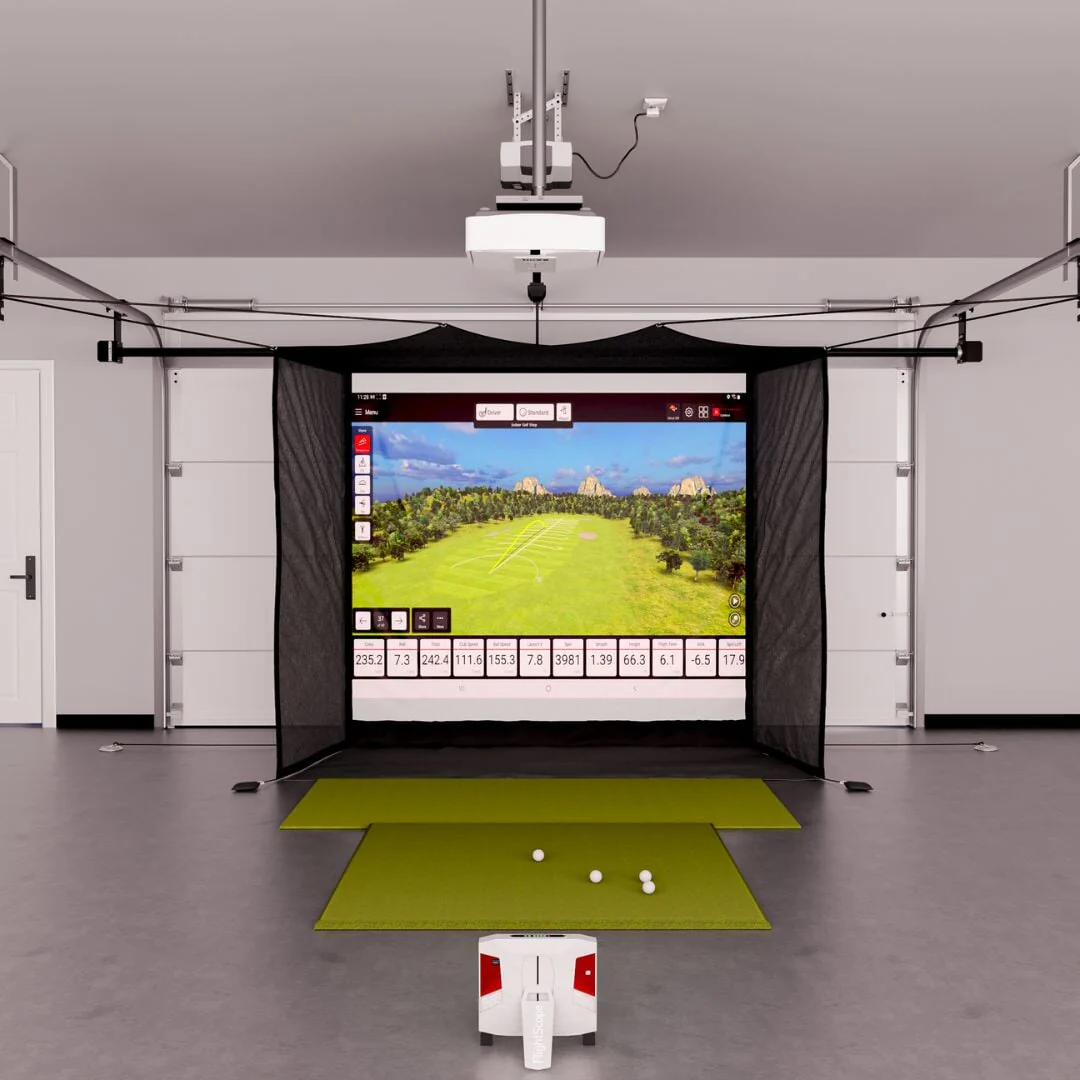
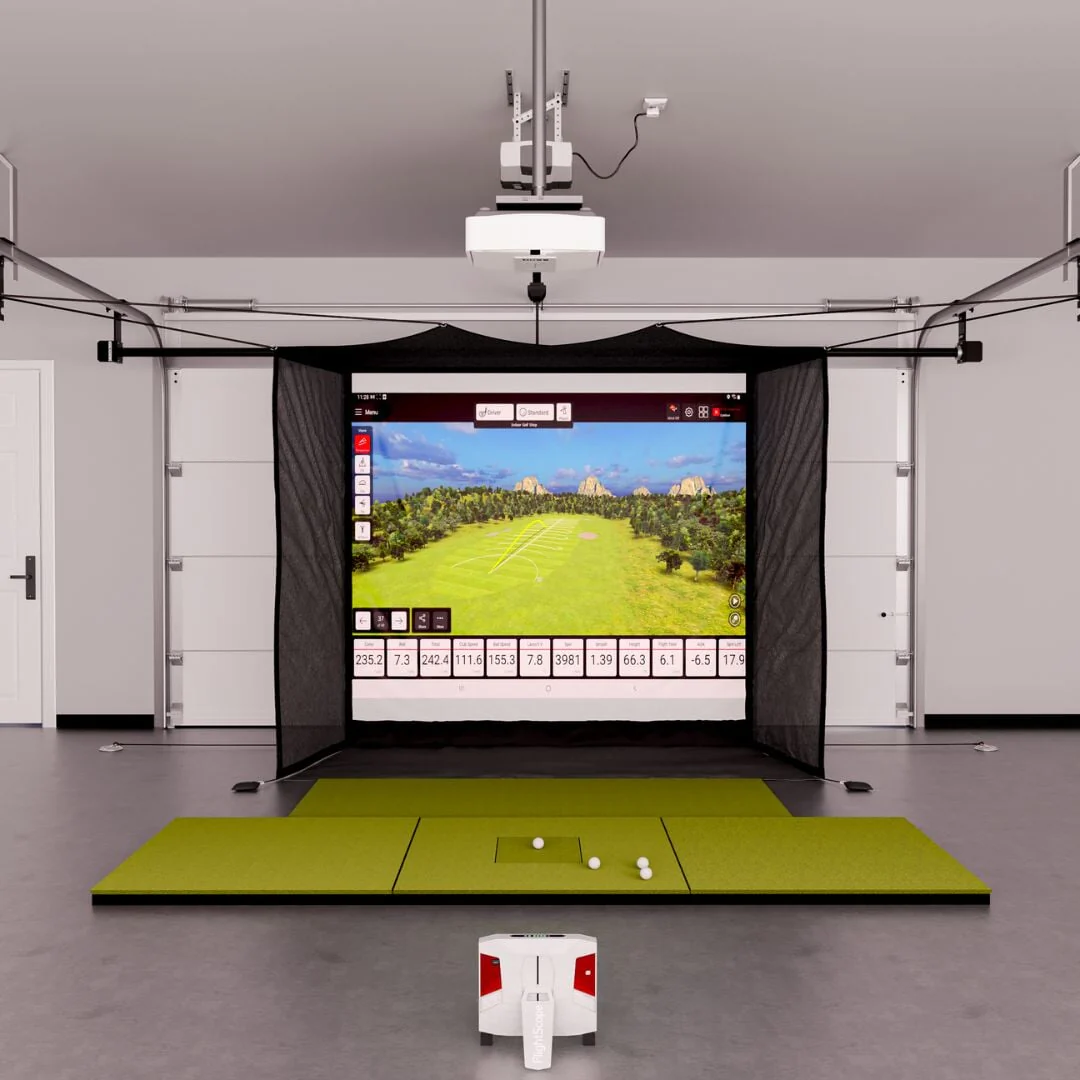
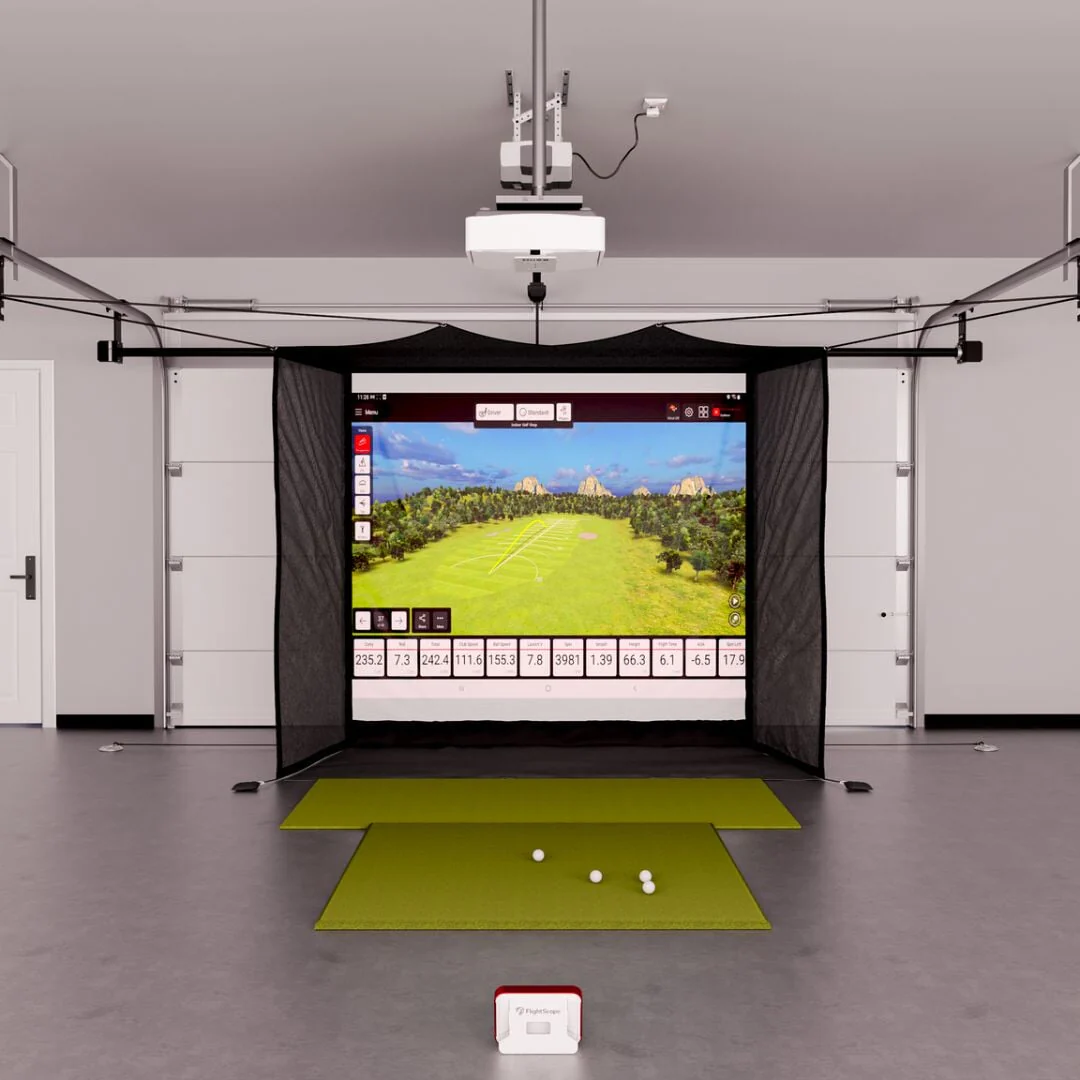
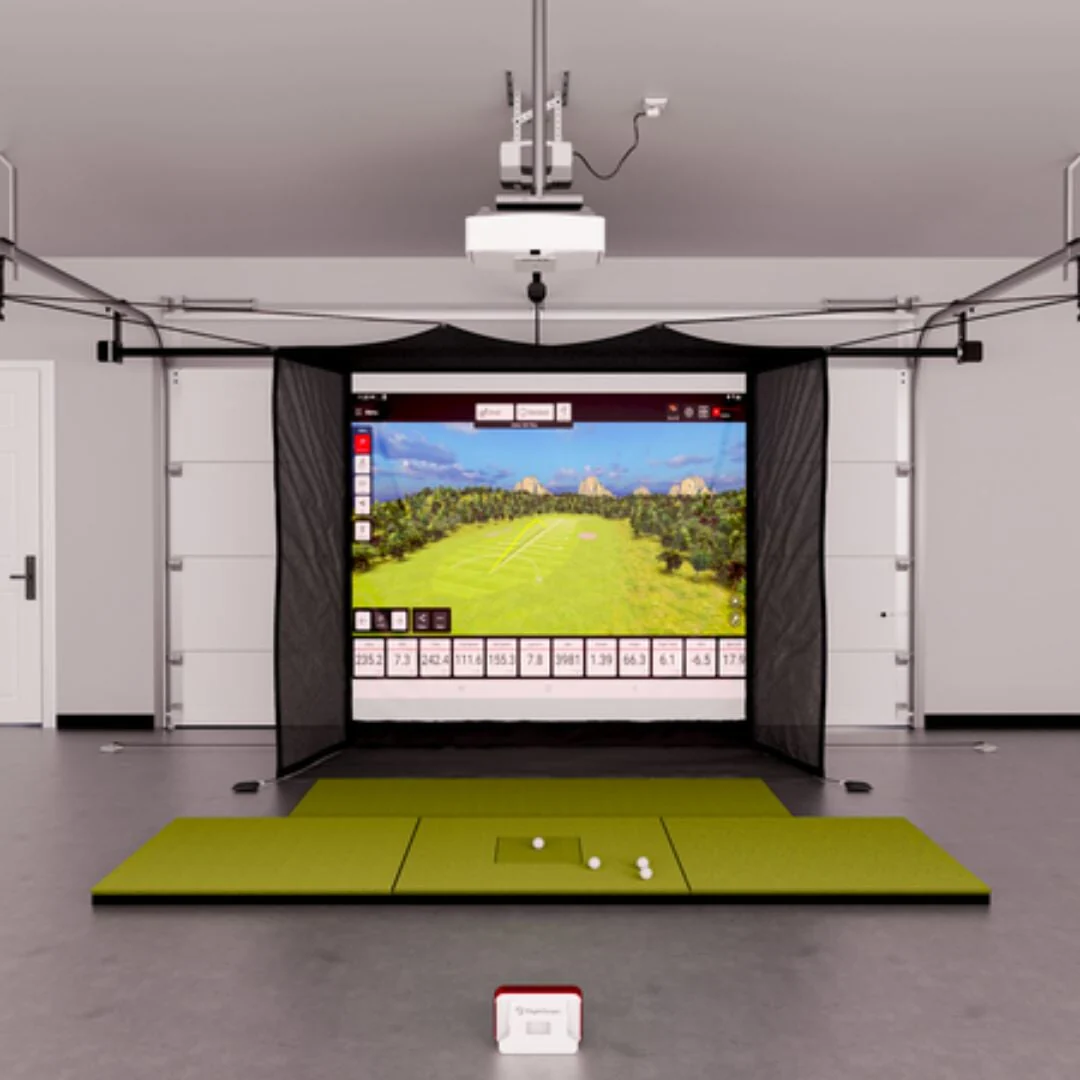
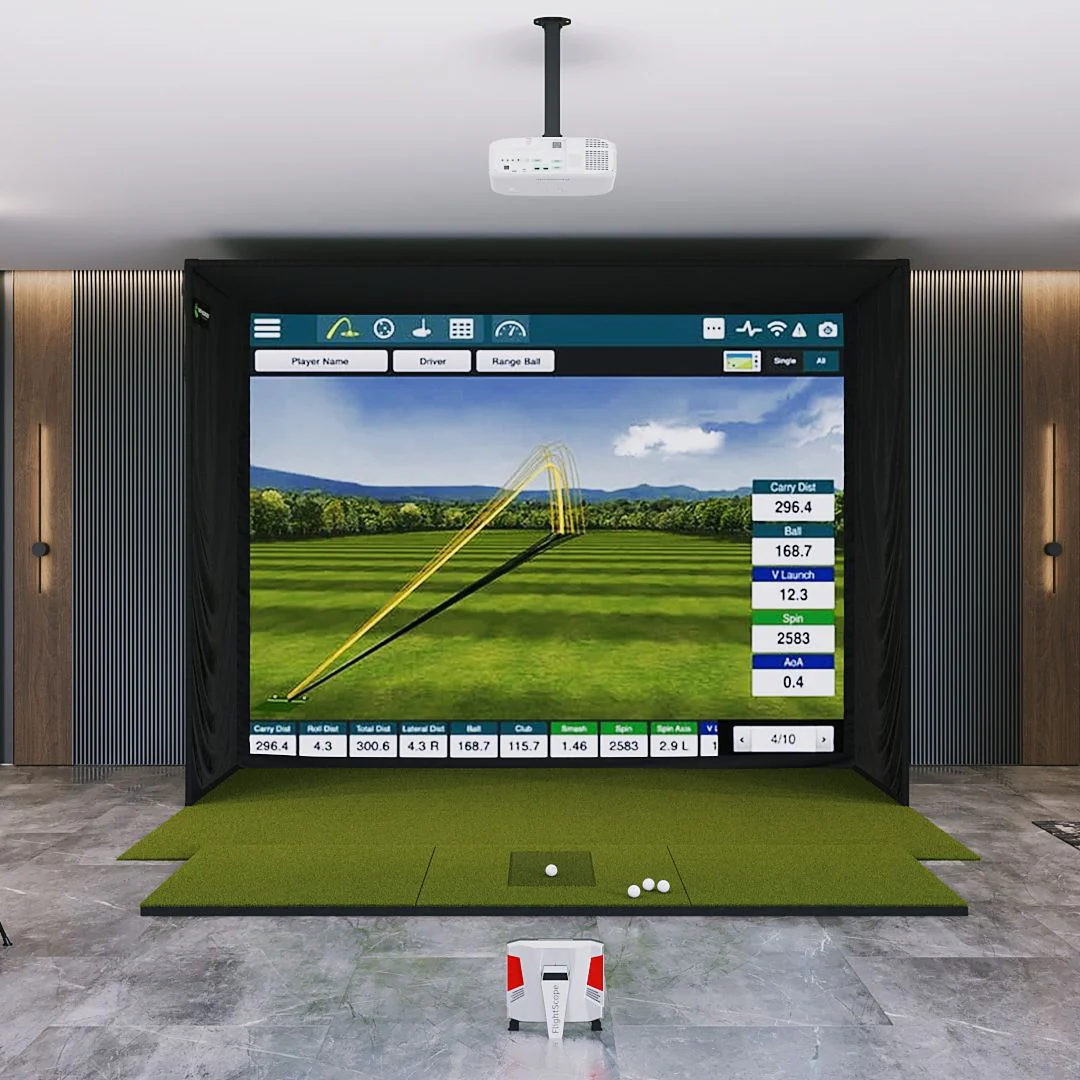
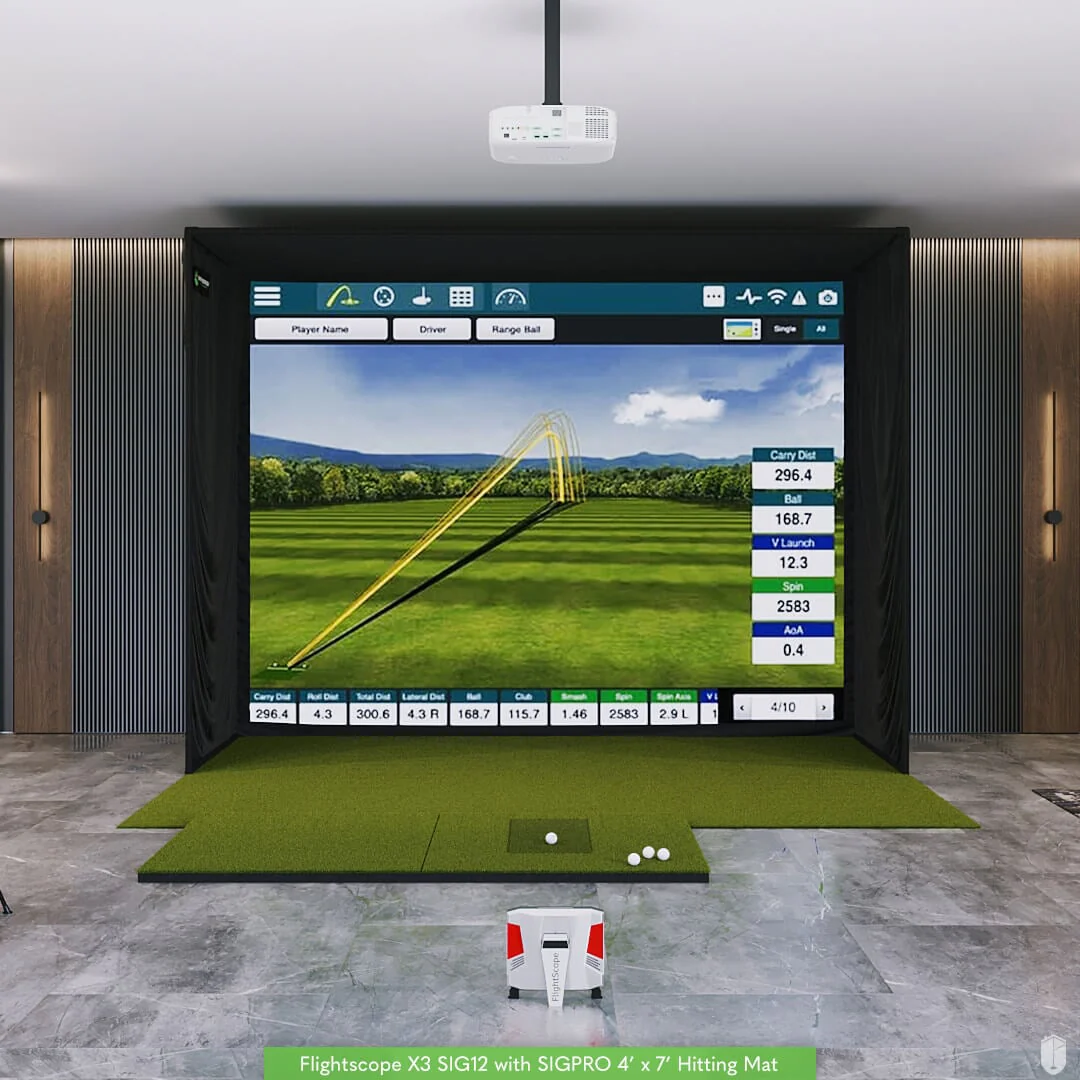
The X3 SIG12 Package pairs the FlightScope X3 launch monitor with our SIG12 Golf Simulator Enclosure, and is perfect for golfers looking for a premium simulation experience on a 12'W screen.
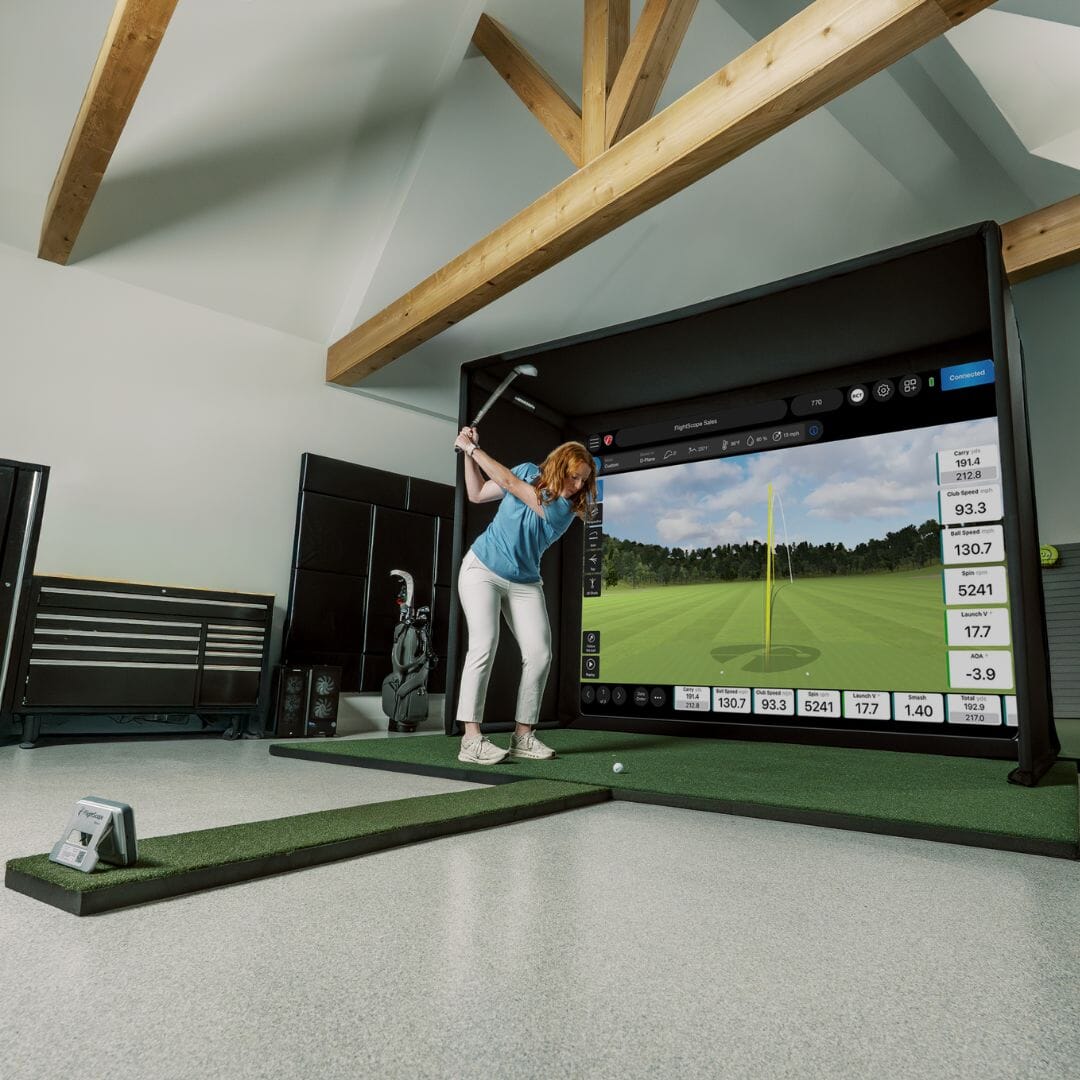
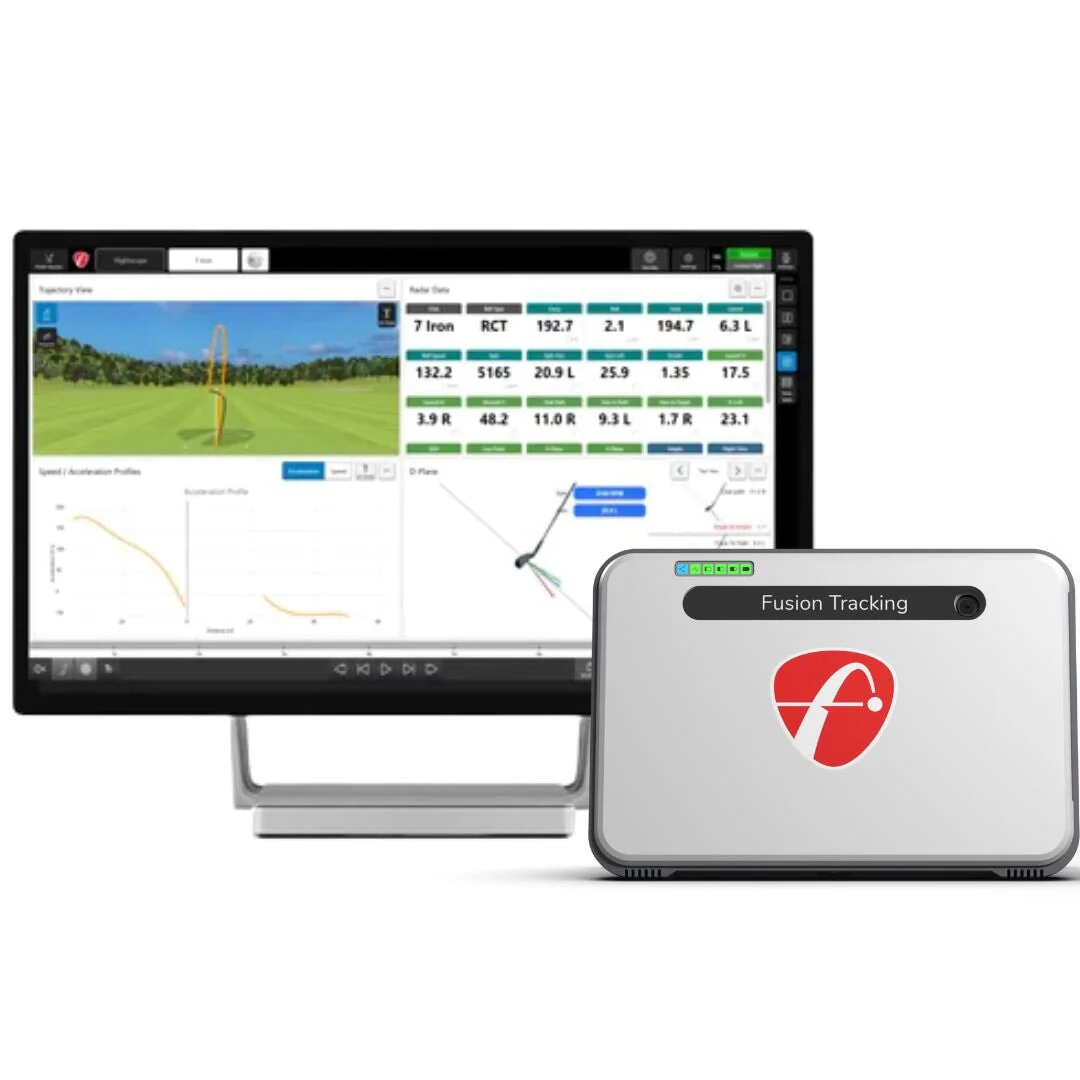
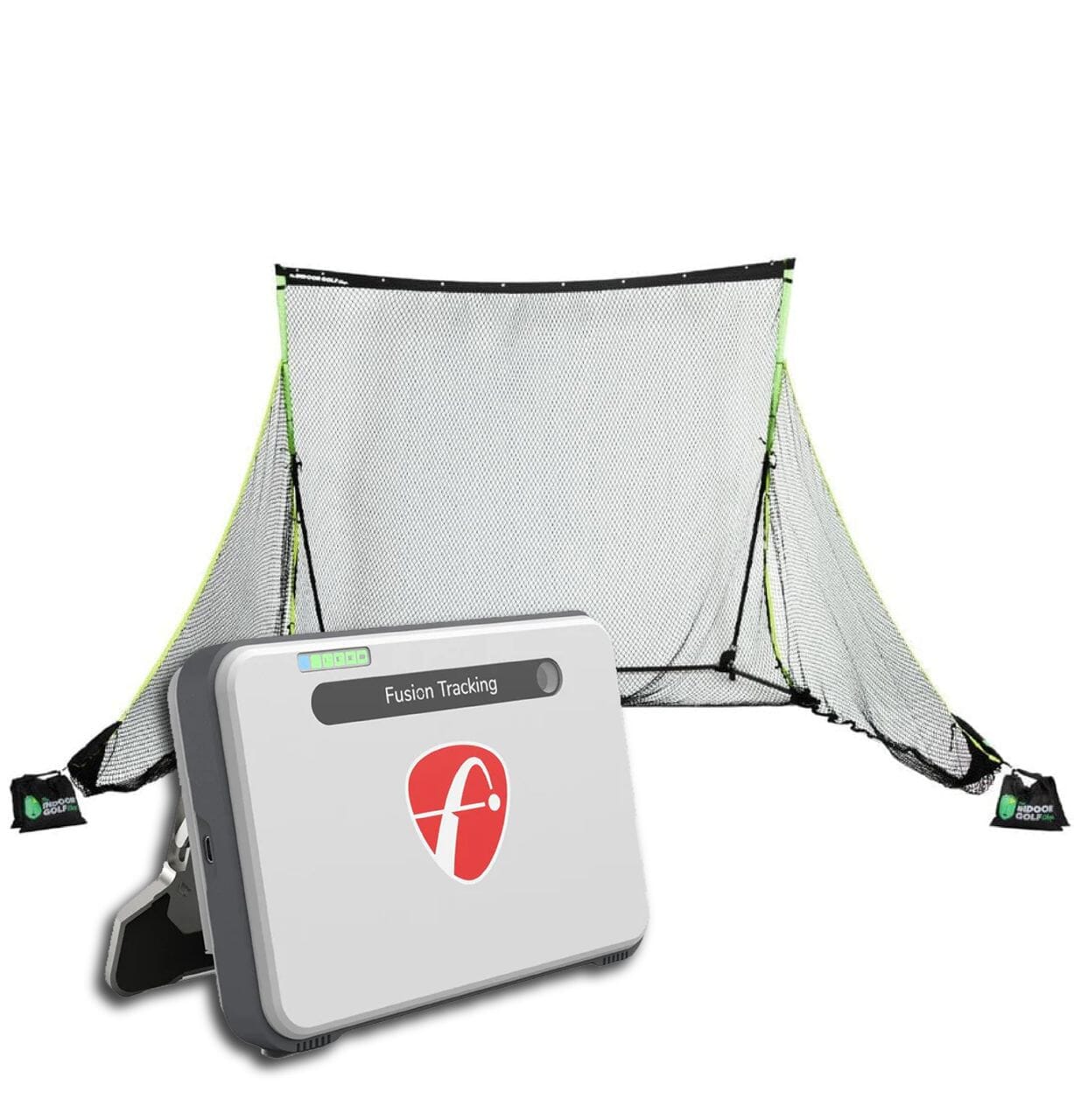
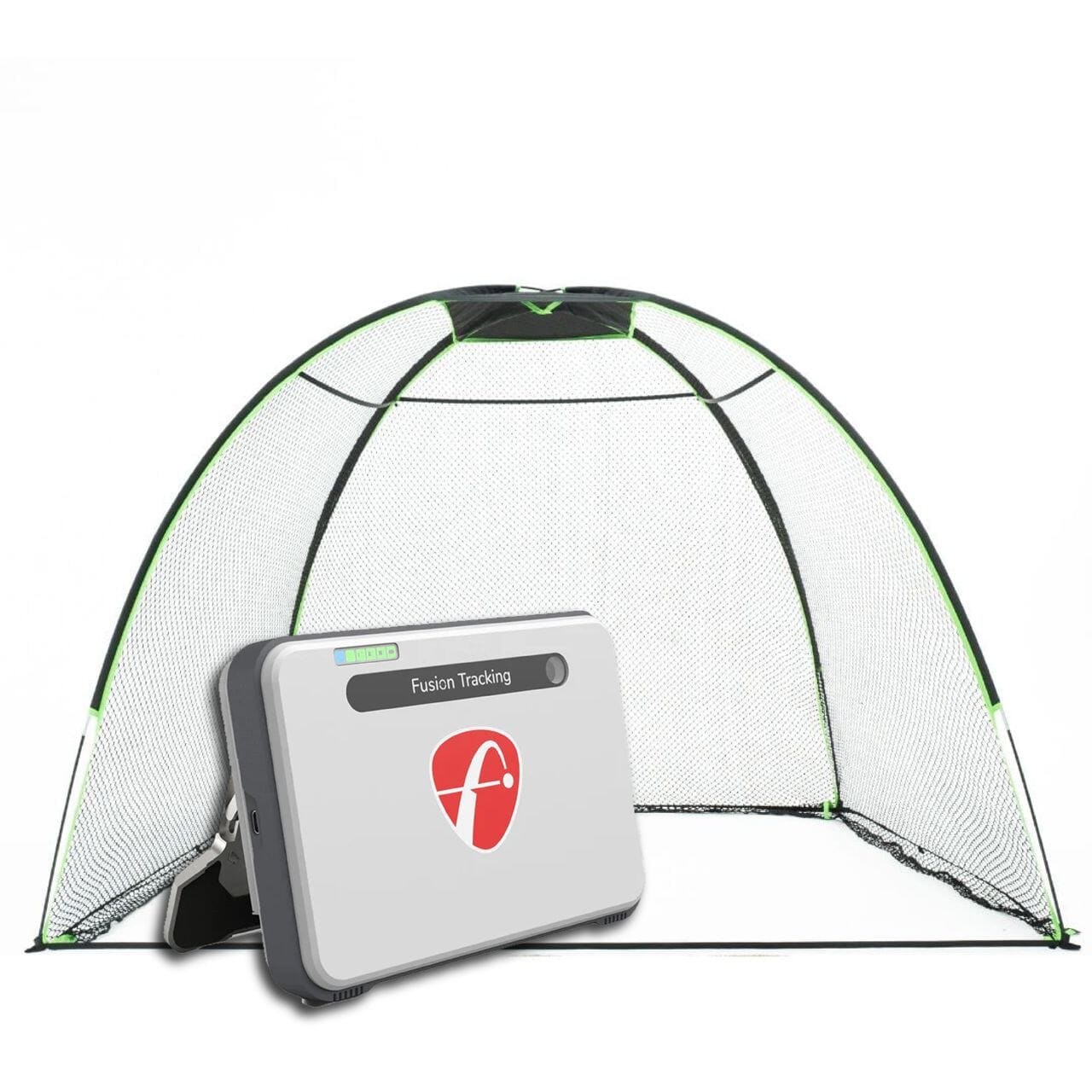
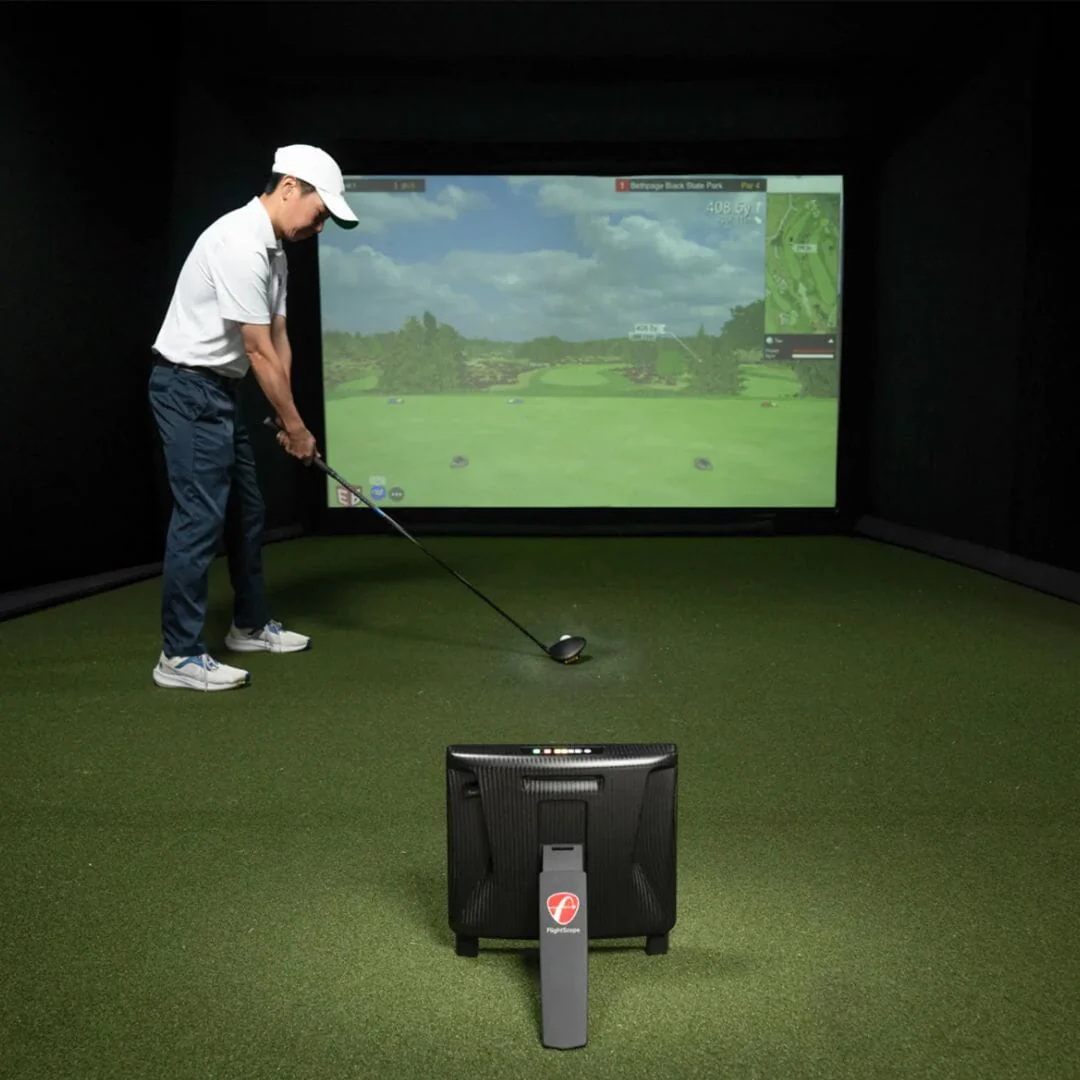
The FlightScope X3 Launch Monitor combines 3D tracking radar and image processing for unmatched data accuracy. Trusted by the Pro's, the X3 provides the tools you need to take your game to the next level.
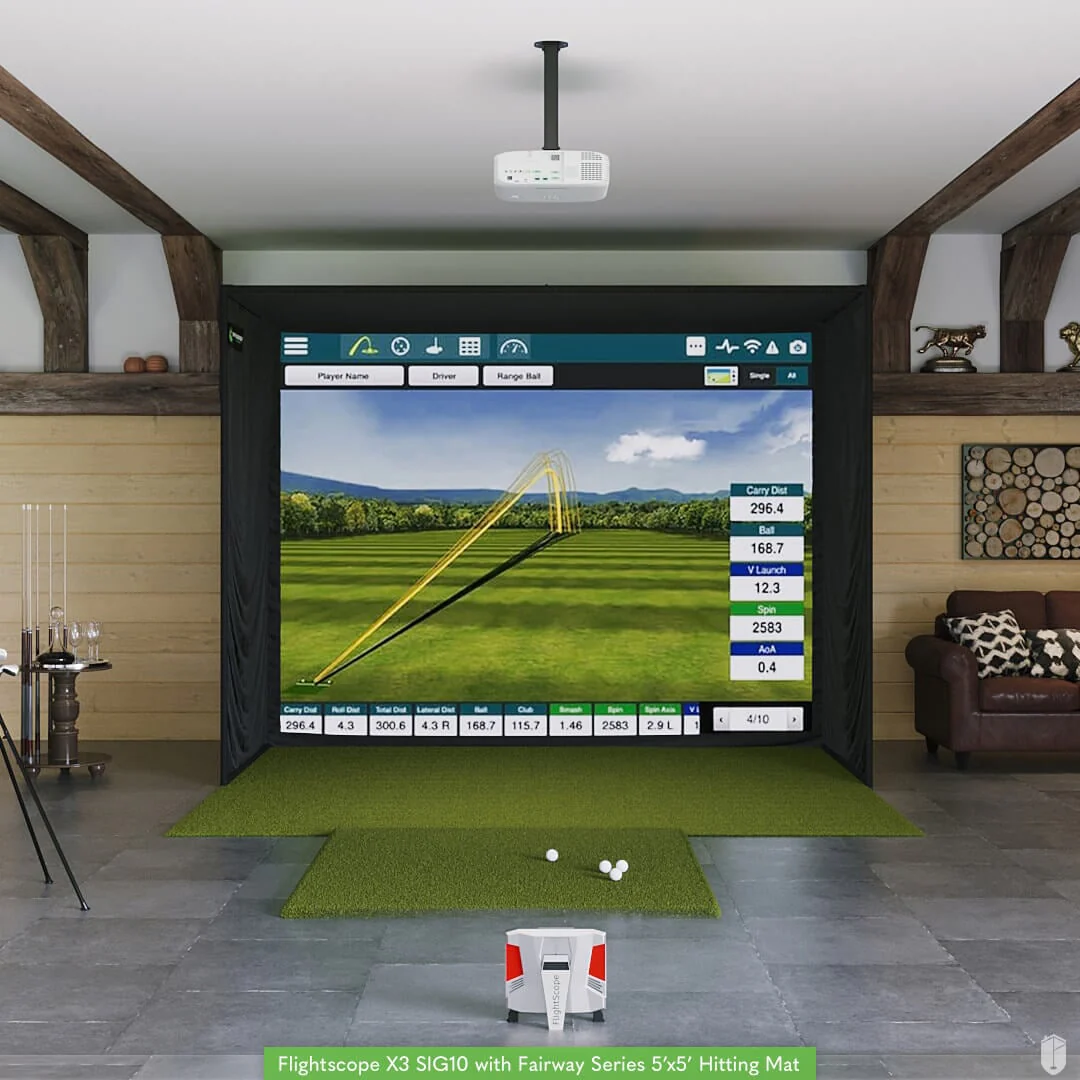
Also available in our smaller and more affordable FlightScope X3 SIG10 Package.

What's Included In The FlightScope X3 SIG12 Package:
Here's What You're Getting
X3 Launch Monitor
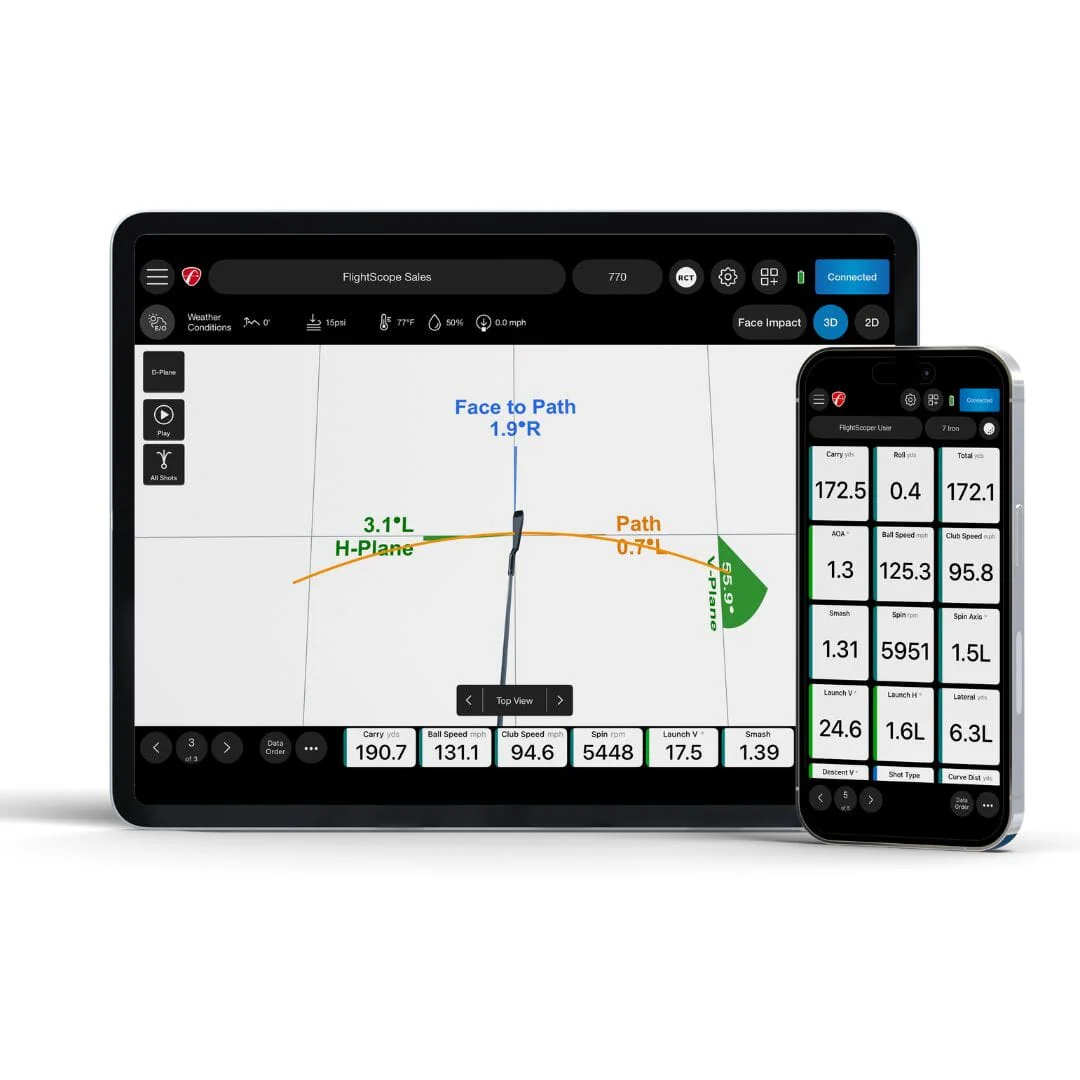
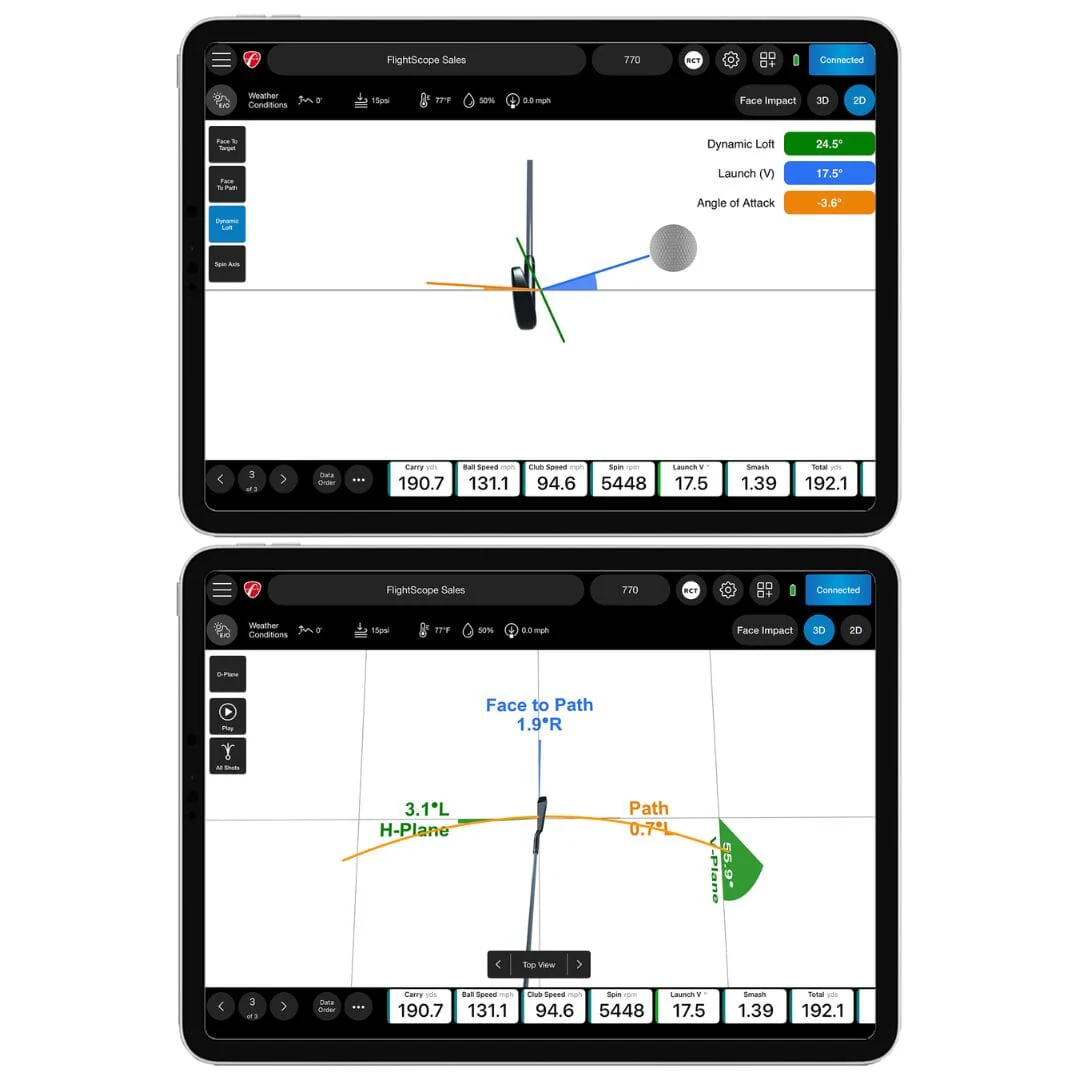
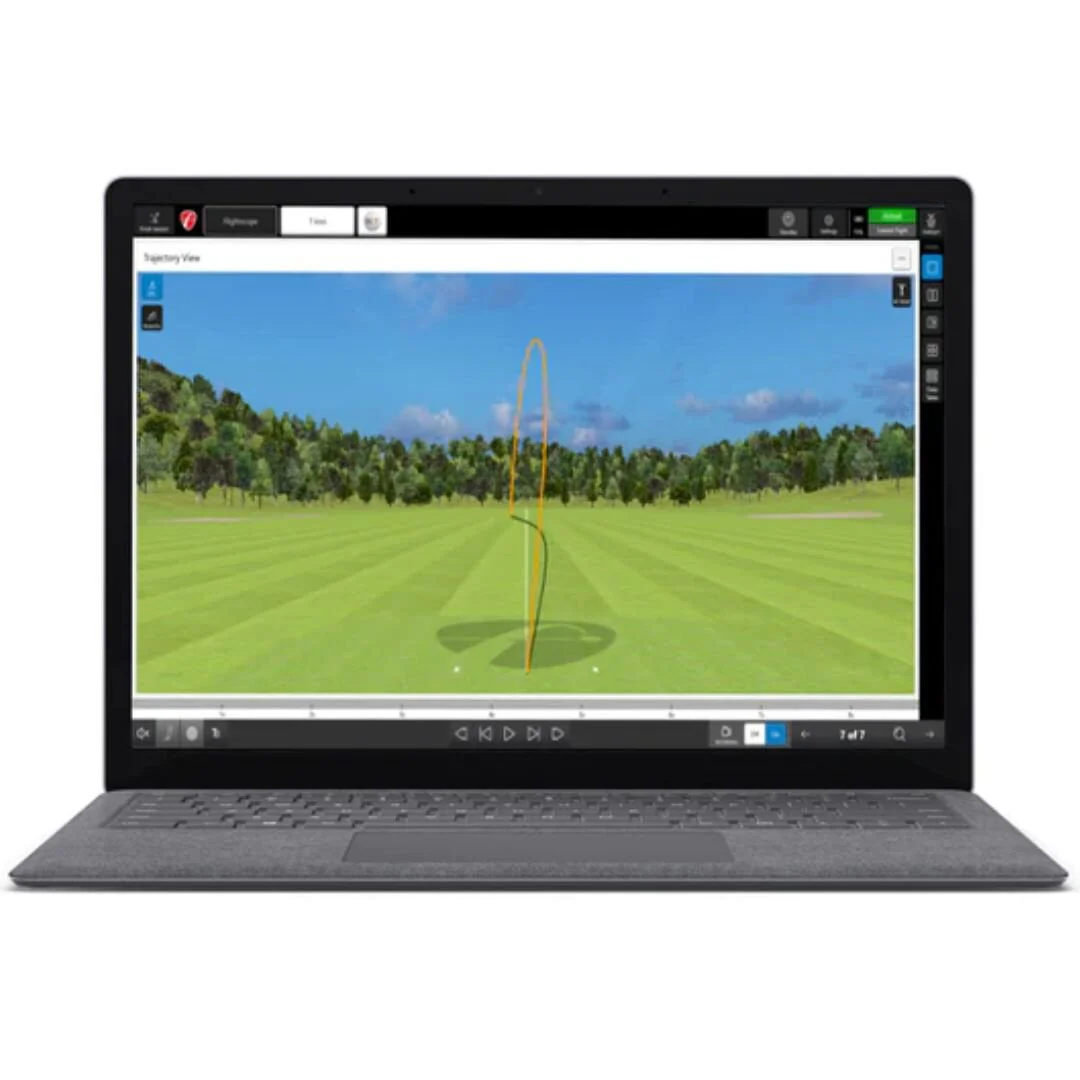
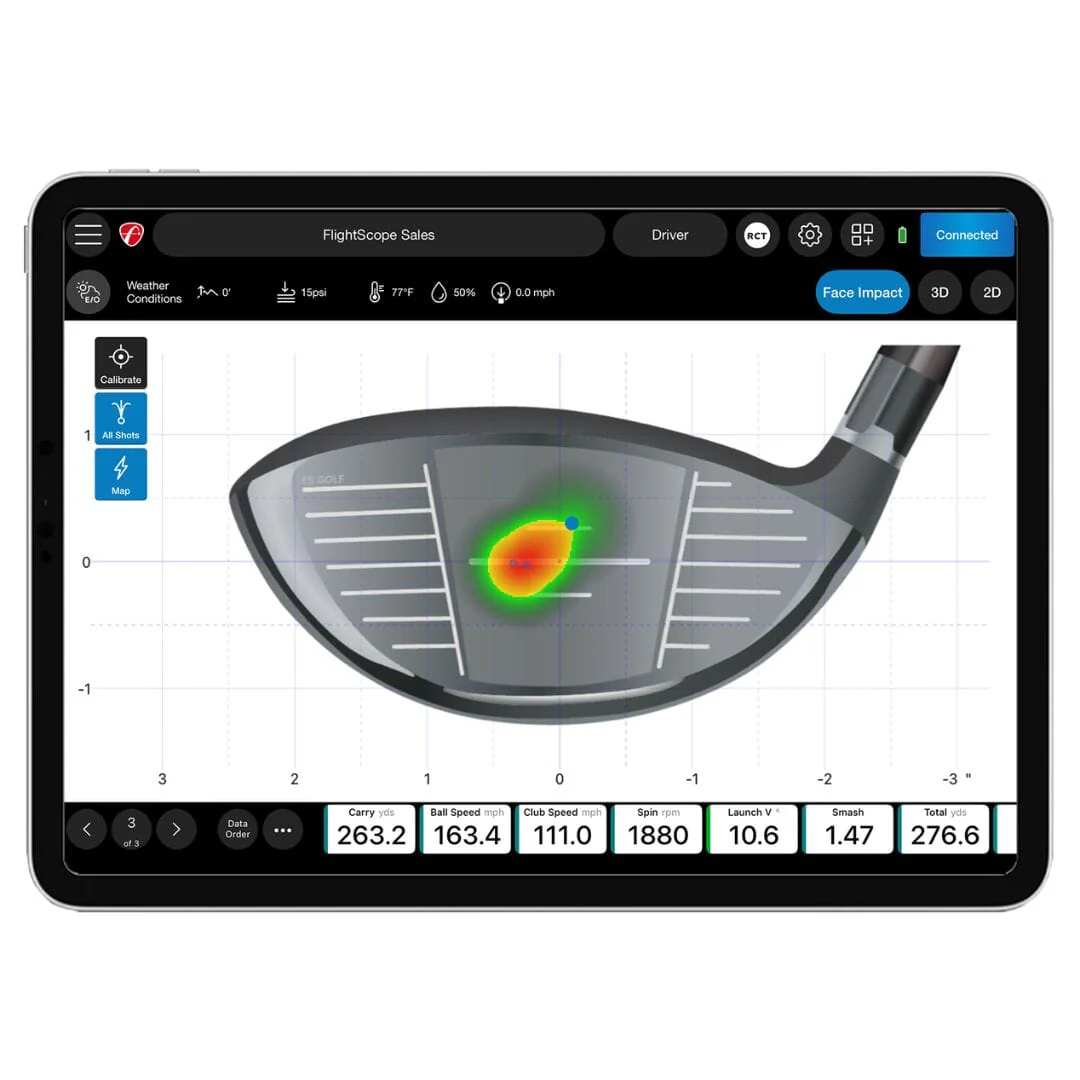
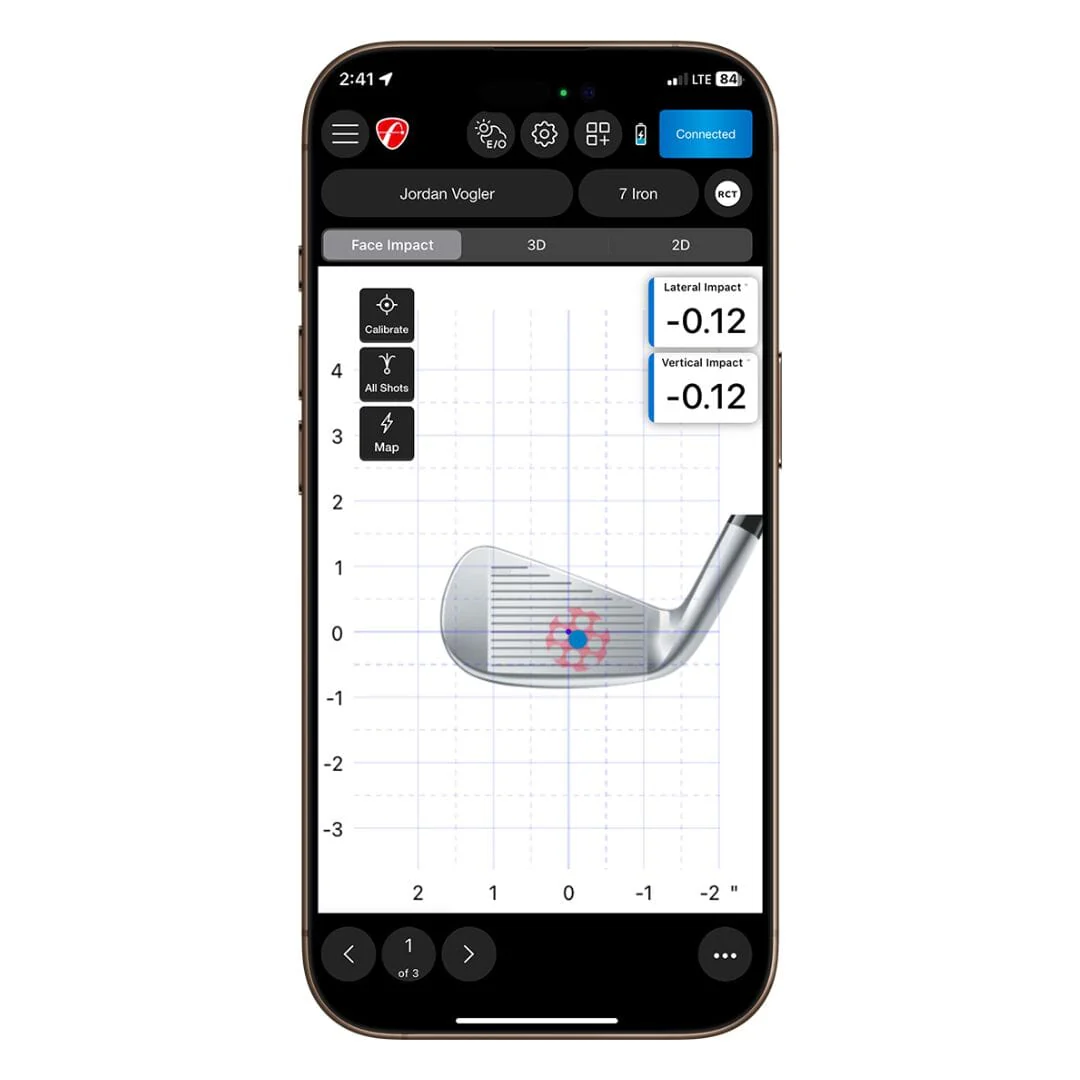
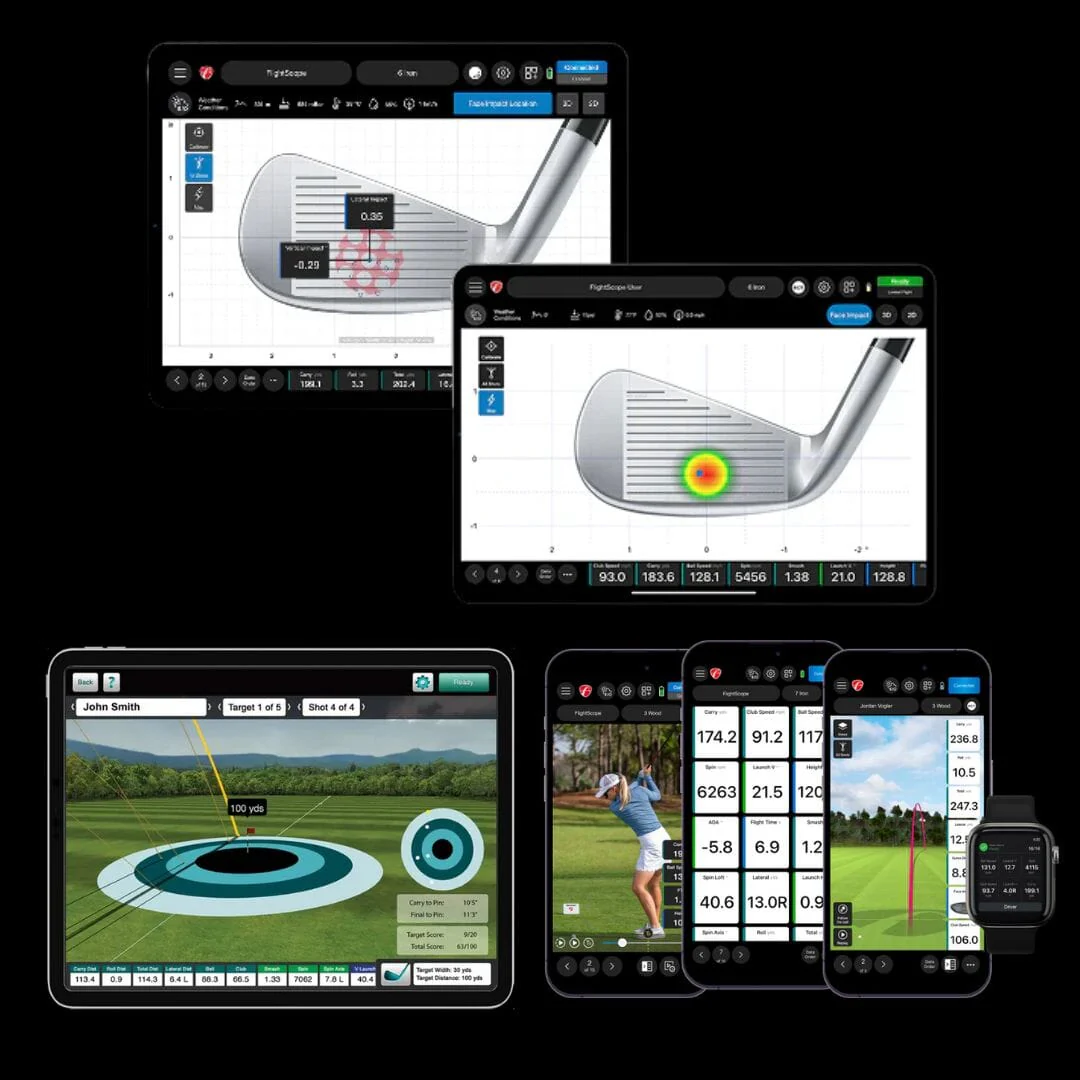
The X3 has the ability to track over 50 full swing, ball flight, chipping, and putting metrics. With the ability to track D-Plane data, the X3 provides valuable insight into your wedge play.
What We Like About the X3:
-
Fusion Tracking
- Data and Video Analysis
- Environmental Optimizer
- Wedge D-Plane Data Analysis
- Full swing and short game data
- Rechargeable Battery - up to 6 Hours Continuous Use


Short Game Analysis
- Chipping, Pitching, and Putting: Get instant feedback with various features including trajectory, grouping, speed graph, and more
- Putter Face + Path: Get Better control of your starting lines and improve your putting stroke with face and path tracking
- Wedge D-Plane: Improve consistency around the green with full D-Plane data for every club in the bag
- Simple Pin Placement: Practice multiple putt lengths in one session with side-controlled pin distance placement.
SIG12 Golf Simulator Enclosure
Our SIG12 screen and enclosure pairs beautifully with the FlightScope X3. Built tough, the 12'W screen can withstand the hardest of golf shots time after time. Unlike other screens, we designed the SIG12 so that the image fills up 100% of the screen in HD for ultimate viewing pleasure.
Features:
- Image Fills Up Entire Screen in HD
- Premium, Handcrafted, Made in the USA
- Powder Coated Stainless Steel Frame
- Premium Polyester Impact Screen
- Side Barriers (in case you have the sh*nks)
- Frame Dimensions: 9'4"H x 12'2"W x 5' D

Panasonic PT-VZ580U Golf Simulator Projector

With WUXGA (1920×1200) resolution and 5,000 Lumens, your golf simulator projector will have the best image and color quality for your indoor golfing experience. A 15' HDMI cable and a Lightning to HDMI Adapter are also included with your projector!
Landing Pad Turf

The landing pad is made specifically for the SIG12 golf simulator. It fills in the area between the screen and the hitting mat making it aesthetically pleasing and protects your floor from golf ball strikes.
Ceiling Mount

The Ceiling Mount is a permanent option that ensures your projector is out of the way and safe from any stray golf shots.

Fairway Series 5' x 5' Golf Mat

Our Fairway Series mat is 5' x 5', roughly two inches thick and can hold a real tee. Ideal for those seeking realistic feel.
SIGPRO Softy 4' x 7' Golf Mat

The SIGPRO 4' x 7' is easy on the joints, and has enough space to set a launch monitor on the mat so it is level with the ball.
SIGPRO Softy 4' x 10' Golf Mat

If you have both right handed and left handed golfers, the SIGPRO 4' x 10' double sided golf mat is ideal with a center hitting strip.
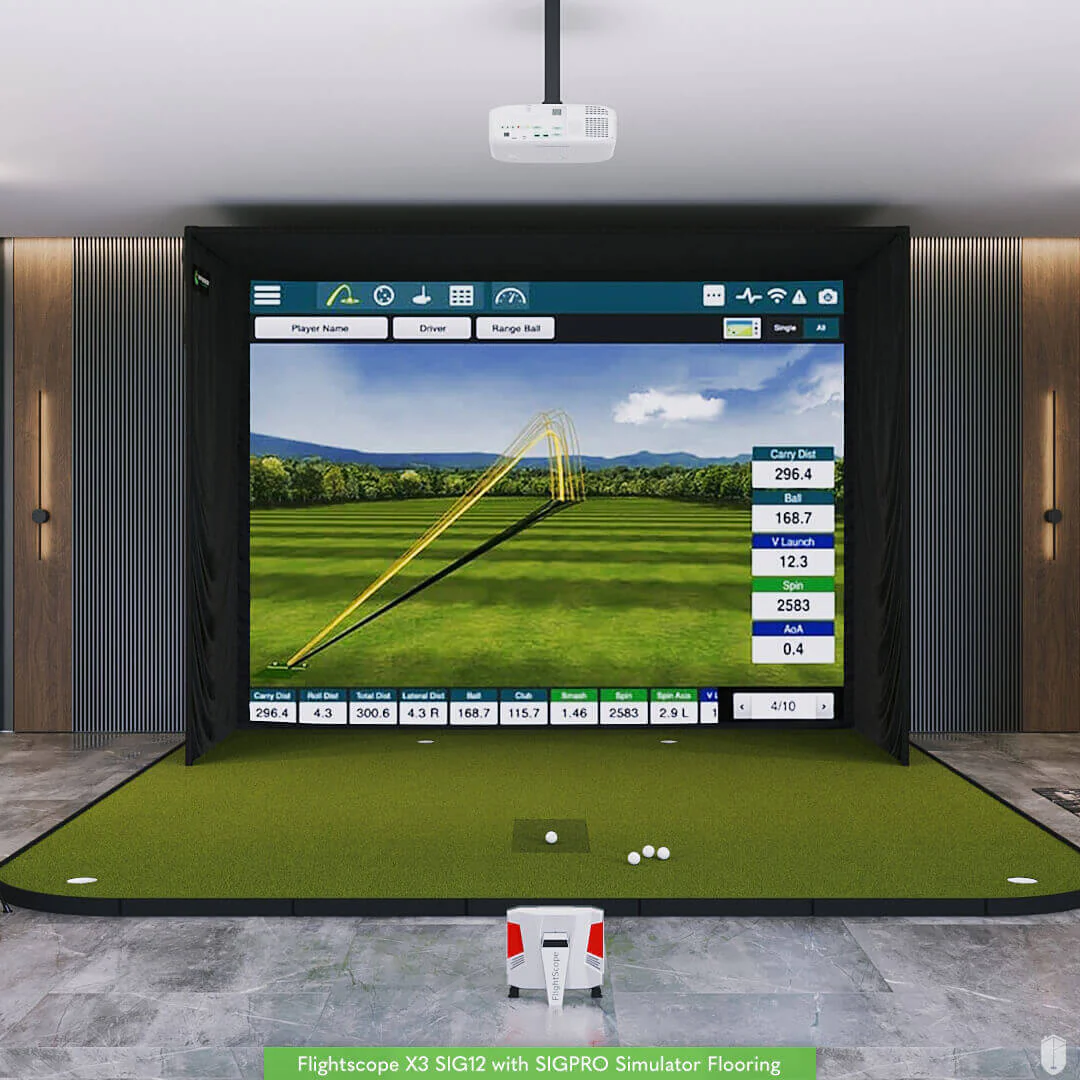
SIG12 Golf Simulator Flooring
Shop Indoor Golf's simulator flooring is a great option for those seeking the clean, professional look of a custom install - with the convenience of a done for you, easy to assemble kit.
It combines the best of two worlds: an integrated hitting strip embedded into the floor for full swing shots, surrounded by a putting green with four cups for dialing in your short game.
Not only does this look great, but it also conserves space by reducing the footprint of the hitting surface and maximizing the putting and chipping surface. That's the beauty of SIGPRO's golf simulator flooring.

FlightScope X3 Specifications
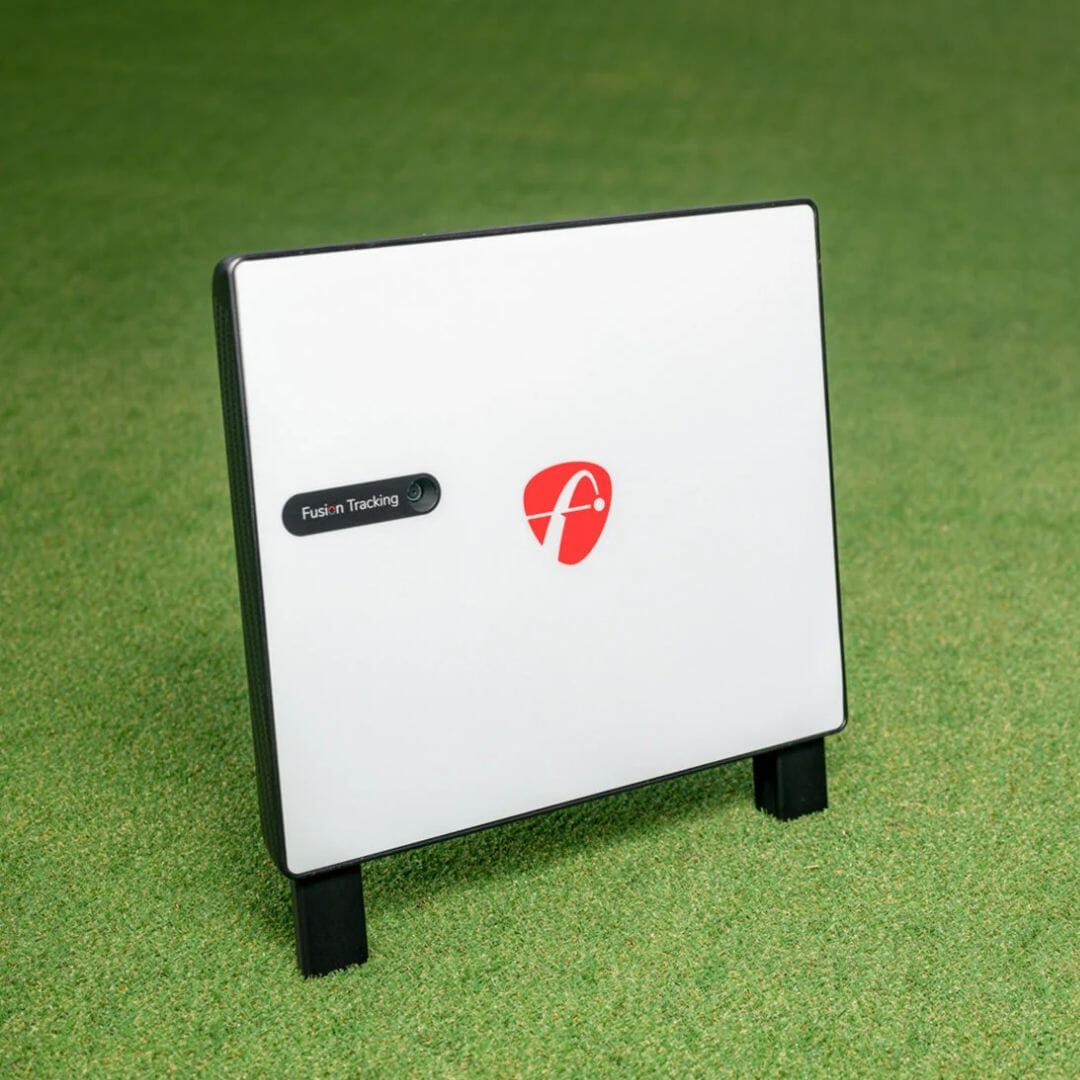
- Dimensions: 12" (W) x 10" (H) x 1 7/8" (D)
- Weight: 9 lbs
- Color: White/ Red
- Technology: Fusion Tracking- 3D Tracking, Radar, and Image Processing
- Battery Life: Up to 6 hours
- Positioning: Normal Shots- 9 to 14 ft behind golf ball, Short Game- 6 to 8 ft behind golf ball

Check Out All of Our FlightScope Launch Monitors
SIG12 Setup & Dimensions
SIG12 Enclosure Specifications and Space Requirements
Generally speaking, the SIG12 Enclosure is able to fit into most spaces, that being said, be sure to double check your ceiling height and room width for the space you are looking to build your SIG12 Enclosure in.
Full Enclosure: Screen:
Width: 12' 2" Width: 11' 5"
Height: 9' 4" Height: 8' 7"
Depth: 16' Diagonal: 14' 3"
Make sure you can swing your club comfortably in your desired space, as you may need more than 10' high ceilings if your swing requires it. You can always place your setup in a space that is larger than the recommended space requirements.

Assembly
The resources below will walk you through the assembly portion of your new frame and screen. Using the color coded pipe kit and connectors, set up your frame first then attach your black surround, impact screen, foam padding, and side barrier netting.
To download to full SIG12 Assembly Manual, Click Here.
For Flooring Assembly, Click Here.
SIG12 Assembly Animation
SIG12 Assembly Video

Details & Craftsmanship
Every detail has been carefully considered to bring you the perfect product.
Details & Craftsmanship
Every detail has been carefully considered to bring you the perfect product.
Details & Craftsmanship
Every detail has been carefully considered to bring you the perfect product.
Details & Craftsmanship
Every detail has been carefully considered to bring you the perfect product.

Details & Craftsmanship
Every detail has been carefully considered to bring you the perfect product.
Details & Craftsmanship
Every detail has been carefully considered to bring you the perfect product.
Details & Craftsmanship
Every detail has been carefully considered to bring you the perfect product.
Description
X3 SIG12 Golf Simulator
The X3 SIG12 Package pairs the FlightScope X3 launch monitor with our SIG12 Golf Simulator Enclosure, and is perfect for golfers looking for a premium simulation experience on a 12'W screen.
The FlightScope X3 Launch Monitor combines 3D tracking radar and image processing for unmatched data accuracy. Trusted by the Pro's, the X3 provides the tools you need to take your game to the next level.
Also available in our smaller and more affordable FlightScope X3 SIG10 Package.
What's Included In The FlightScope X3 SIG12 Package:
Here's What You're Getting
X3 Launch Monitor
The X3 has the ability to track over 50 full swing, ball flight, chipping, and putting metrics. With the ability to track D-Plane data, the X3 provides valuable insight into your wedge play.
What We Like About the X3:
-
Fusion Tracking
- Data and Video Analysis
- Environmental Optimizer
- Wedge D-Plane Data Analysis
- Full swing and short game data
- Rechargeable Battery - up to 6 Hours Continuous Use
Short Game Analysis
- Chipping, Pitching, and Putting: Get instant feedback with various features including trajectory, grouping, speed graph, and more
- Putter Face + Path: Get Better control of your starting lines and improve your putting stroke with face and path tracking
- Wedge D-Plane: Improve consistency around the green with full D-Plane data for every club in the bag
- Simple Pin Placement: Practice multiple putt lengths in one session with side-controlled pin distance placement.
SIG12 Golf Simulator Enclosure
Our SIG12 screen and enclosure pairs beautifully with the FlightScope X3. Built tough, the 12'W screen can withstand the hardest of golf shots time after time. Unlike other screens, we designed the SIG12 so that the image fills up 100% of the screen in HD for ultimate viewing pleasure.
Features:
- Image Fills Up Entire Screen in HD
- Premium, Handcrafted, Made in the USA
- Powder Coated Stainless Steel Frame
- Premium Polyester Impact Screen
- Side Barriers (in case you have the sh*nks)
- Frame Dimensions: 9'4"H x 12'2"W x 5' D
Panasonic PT-VZ580U Golf Simulator Projector
With WUXGA (1920×1200) resolution and 5,000 Lumens, your golf simulator projector will have the best image and color quality for your indoor golfing experience. A 15' HDMI cable and a Lightning to HDMI Adapter are also included with your projector!
Landing Pad Turf
The landing pad is made specifically for the SIG12 golf simulator. It fills in the area between the screen and the hitting mat making it aesthetically pleasing and protects your floor from golf ball strikes.
Ceiling Mount
The Ceiling Mount is a permanent option that ensures your projector is out of the way and safe from any stray golf shots.
Fairway Series 5' x 5' Golf Mat
Our Fairway Series mat is 5' x 5', roughly two inches thick and can hold a real tee. Ideal for those seeking realistic feel.
SIGPRO Softy 4' x 7' Golf Mat
The SIGPRO 4' x 7' is easy on the joints, and has enough space to set a launch monitor on the mat so it is level with the ball.
SIGPRO Softy 4' x 10' Golf Mat
If you have both right handed and left handed golfers, the SIGPRO 4' x 10' double sided golf mat is ideal with a center hitting strip.
SIG12 Golf Simulator Flooring
Shop Indoor Golf's simulator flooring is a great option for those seeking the clean, professional look of a custom install - with the convenience of a done for you, easy to assemble kit.
It combines the best of two worlds: an integrated hitting strip embedded into the floor for full swing shots, surrounded by a putting green with four cups for dialing in your short game.
Not only does this look great, but it also conserves space by reducing the footprint of the hitting surface and maximizing the putting and chipping surface. That's the beauty of SIGPRO's golf simulator flooring.
FlightScope X3 Specifications
- Dimensions: 12" (W) x 10" (H) x 1 7/8" (D)
- Weight: 9 lbs
- Color: White/ Red
- Technology: Fusion Tracking- 3D Tracking, Radar, and Image Processing
- Battery Life: Up to 6 hours
- Positioning: Normal Shots- 9 to 14 ft behind golf ball, Short Game- 6 to 8 ft behind golf ball
Check Out All of Our FlightScope Launch Monitors
SIG12 Setup & Dimensions
SIG12 Enclosure Specifications and Space Requirements
Generally speaking, the SIG12 Enclosure is able to fit into most spaces, that being said, be sure to double check your ceiling height and room width for the space you are looking to build your SIG12 Enclosure in.
Full Enclosure: Screen:
Width: 12' 2" Width: 11' 5"
Height: 9' 4" Height: 8' 7"
Depth: 16' Diagonal: 14' 3"
Make sure you can swing your club comfortably in your desired space, as you may need more than 10' high ceilings if your swing requires it. You can always place your setup in a space that is larger than the recommended space requirements.
Assembly
The resources below will walk you through the assembly portion of your new frame and screen. Using the color coded pipe kit and connectors, set up your frame first then attach your black surround, impact screen, foam padding, and side barrier netting.
To download to full SIG12 Assembly Manual, Click Here.
For Flooring Assembly, Click Here.